Studio Lab / Borrow the tools
Make a little
something.
Borrow a small piece of Kitforge: set some words in moving ink, find a frame you like, and take a print home.
Edit the words Made here, in your browser.1080 × 1080 px · your current frame
Checking local video support…
Checking local workspace storage…
Preparing the first print…
Local workspace storage
Words and design settings use this tab’s session storage. The World rack keeps up to two original PNGs in browser storage, with a 24 MB shared limit. PNGs expire after 24 hours without use and are cleaned on a later save. Nothing is uploaded. A new tab starts separately; one opened from this tab may start with its own copy. Download files to keep them beyond the tab.
Start again resets this Studio draft and its previous-draft slot. Your World rack stays available through Back to your prints.
Take a look at an exported example
Made with this workshop
A print.
A little motion.
These files came from the working editor. The PNG has an edited headline; the MP4 uses the sample composition. You can download either example or make your own above.
Download the sample PNG Download the sample MP4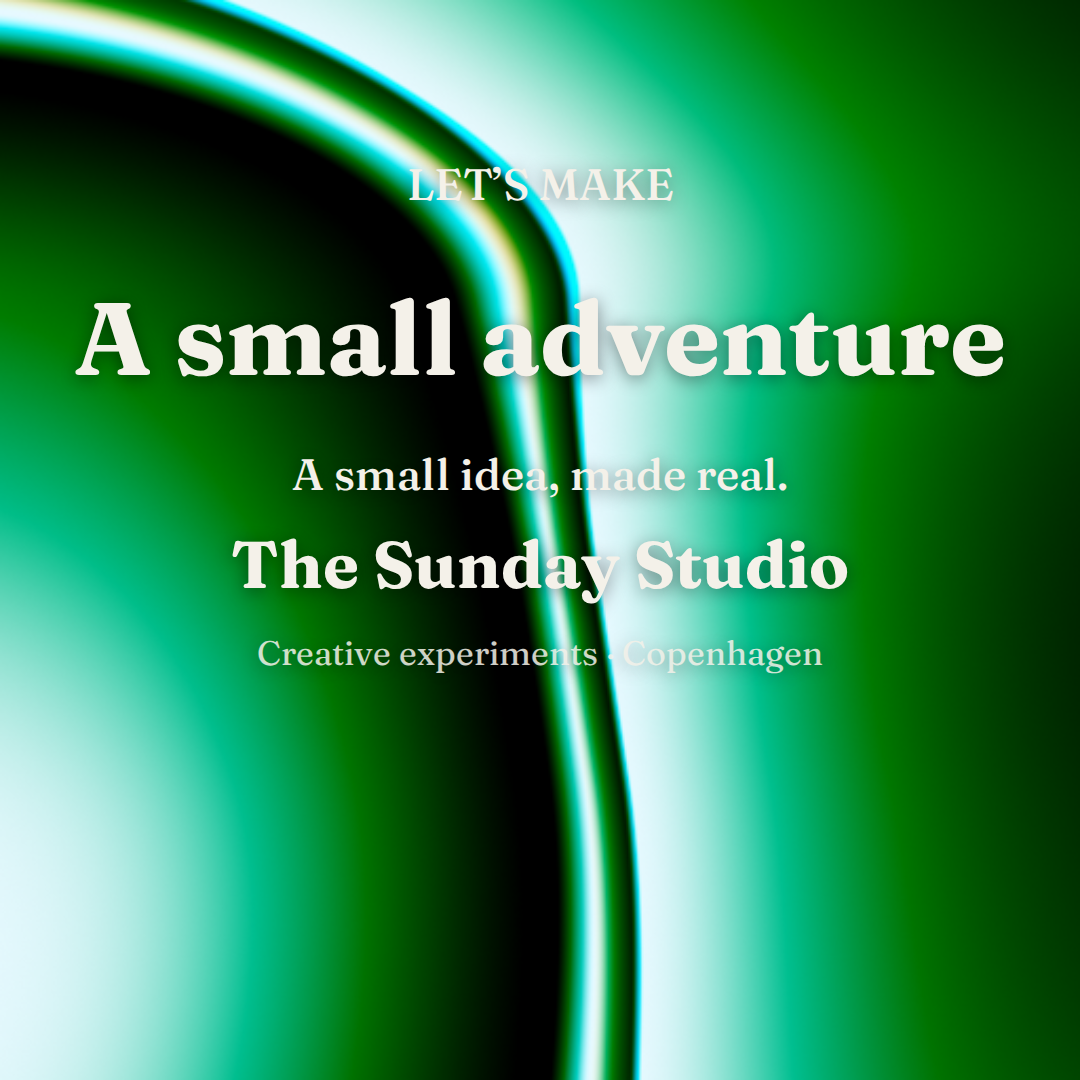
The machinery behind the ink
One composition.
Every frame.
Kitforge started as a practical way to make event announcements. Its drawing function takes a document and a time, then paints a frame. The live preview and your downloaded print use that same function.
This workshop adapts the real Kitforge renderer, text fitting and looping shader backgrounds. It adds local portfolio typefaces, three arrangements and space between a wrapped headline and the lines below it. Photos, uploads and accounts stay outside this small exercise.
Sources, credits and browser support
Adapted from David’s Kitforge revision 809d559. Amber, Teal and Forest are three original Kitforge presets powered by Paper Shaders 0.0.80. Animated previews and exports use the same four-second baked sequence, with a dissolve that closes the loop. A print continued from World starts with its raw preset still or simple background. Animate this print explicitly creates a moving version.
PNG and JPG use your browser’s canvas encoder. MP4 uses Kitforge’s Chromium-gated native WebCodecs H.264 path and mp4-muxer 5.2.2. If a compatible encoder is unavailable, you can download a still. A device without WebGL2 receives a gradient still.
Paper Shaders is Apache-2.0: attribution, license. mp4-muxer is MIT: license. DM Sans and Fraunces are bundled locally with this portfolio.
Back to your prints in Forge World
See Kitforge in use